Planning a celebration should feel exciting, but the day-of seating logistics — entrance bottlenecks, poster board reprints, and last-minute RSVPs — can quickly turn into a headache.
We've spent the past few months building tools to make event-day guest navigation effortless and your planning workspace cleaner than ever. Here is everything new in Seat the Party — from printable reception QR signs to isolated table layout previews and a split 2-panel dashboard.
What's new in August 2026
1. Printable QR Code Signs & Instant Mobile Guest Seat Search
Traditional seating chart poster boards look lovely, but they come with real drawbacks: long lines at the reception entrance, tiny font sizes that are hard to read, and zero flexibility if a guest cancels or swaps tables on the morning of your event.
You can now generate custom printable QR Code Seating Chart Signs directly from Seat the Party. Place your QR code sign at your reception entrance on an easel or framed display. When arriving guests scan the code using their smartphone camera, it instantly opens a mobile web page where they can type two letters of their name to find their assigned table in seconds.
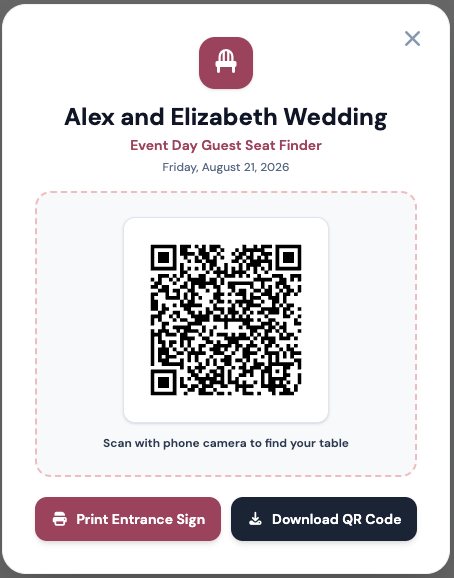
Best of all, if you have a last-minute seat swap or cancellation on wedding morning, simply adjust the table in your dashboard. The change updates live on your entrance QR search page instantly — no re-printing or poster board re-framing required.
2. Per-Table Layout Preview — Isolate & Inspect Table Floorplans
When you are managing a room with 15 or 20 tables, tweaking a single table — checking seat numbers, verifying meal preference tags, or reviewing guest placements — can feel crowded on a full room view.
Our new Per-Table Preview mode lets you click on any individual table to open a dedicated layout modal. You can inspect the table's exact shape, seat count, assigned guest list, and infant seat markers in a clean, zoomed-in view without losing your context on the main floorplan.
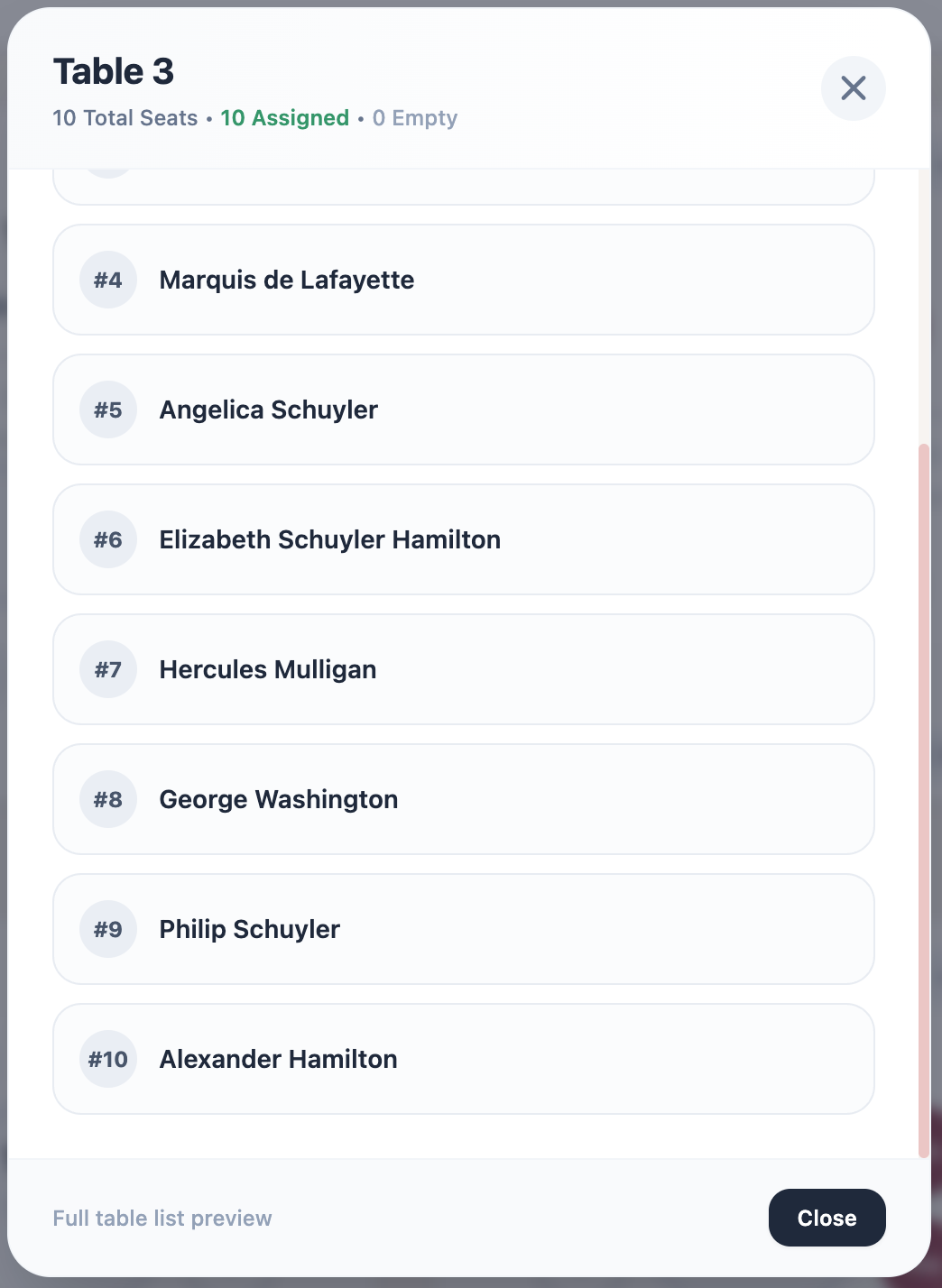
This makes double-checking head tables, bridal party arrangements, and caterer seat manifests much faster before final export.
3. Redesigned 2-Panel Dashboard & Settings Hub
As planners manage multiple celebrations — a rehearsal dinner, main reception, and post-wedding brunch — toggling between account preferences, event settings, and subscription options needed to be smoother.
We completely redesigned the Dashboard and Settings Hub into a clean 2-panel split view. On the left side, easily switch between your active events, event dates, table count quotas, and sharing statuses. On the right panel, configure event details, manage team sharing permissions, and access account preferences side-by-side.
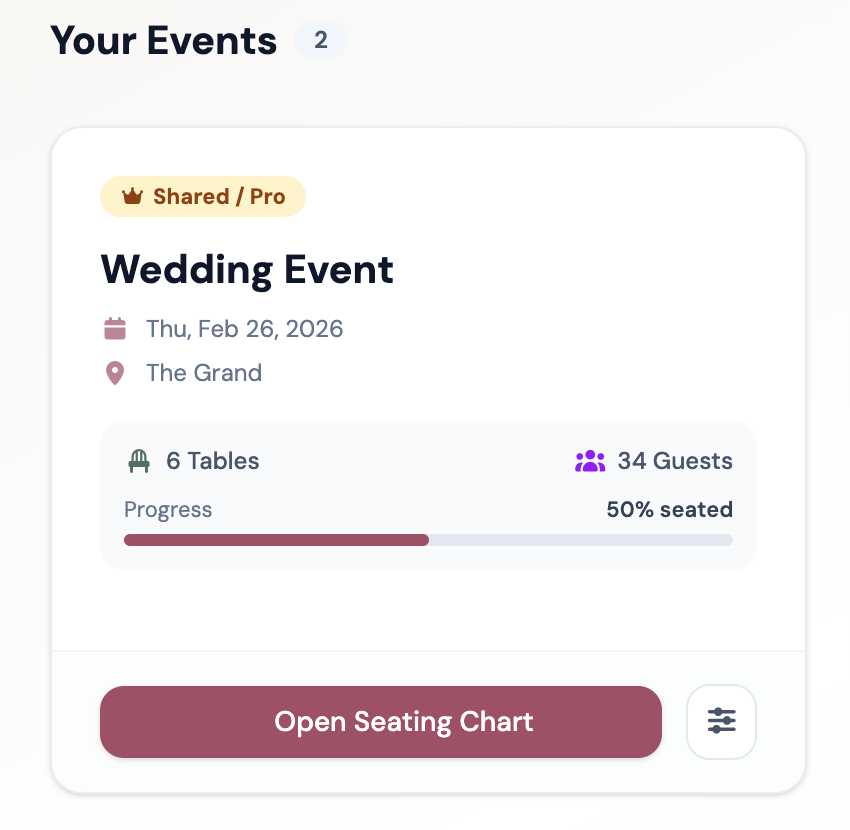
The updated dashboard makes managing multiple events effortless, giving professional wedding planners and couples alike a calm, organized command center.
Everything is live — try it today
All of these features are live right now in Seat the Party. Log into your account or start free in guest mode to try them out.
We are continuously improving Seat the Party based on feedback from couples, planners, and hosts. If you have an idea or feature request, let us know. Happy planning!